1. Click Start button, and click Control Panel.
2. Click on User Accounts and Family Safety.
3. Under User Accounts, click on Change your account picture.
4. Select one of the pictures that appears in the Change your account picture window or click on the Browse for more pictures... link to select a picture from a location from and then click Change Picture.
2. Click on User Accounts and Family Safety.
3. Under User Accounts, click on Change your account picture.
4. Select one of the pictures that appears in the Change your account picture window or click on the Browse for more pictures... link to select a picture from a location from and then click Change Picture.
 button and right-click the program icon you want to remove, and then click Remove from this list.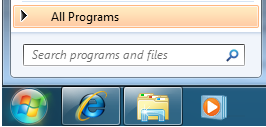
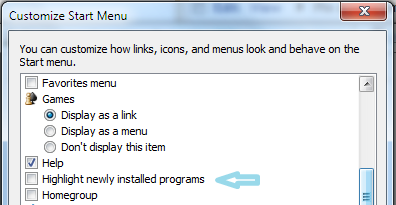 4. Click OK to close Customize Start Menu dialog box.
